
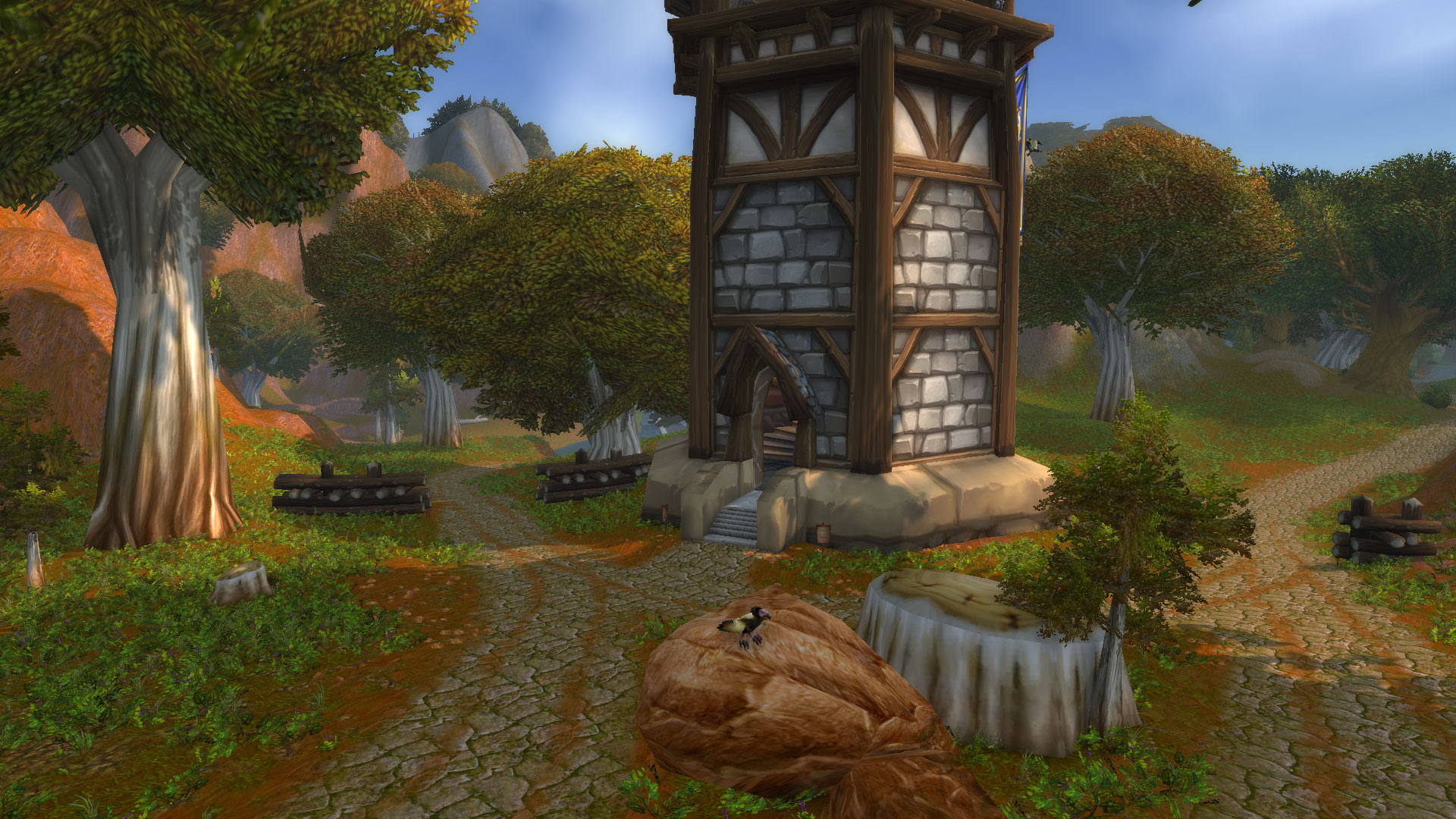
World of Warcraft Classic transports players back to the roots of the beloved MMORPG, but even in this nostalgic environment, players can enhance their experience through the use of font and texture packs. These mods allow for a higher level of customization, enabling players to tailor the visual aesthetics of the game to their personal preferences. Whether you’re looking to improve readability in the UI or add a fresh perspective to the environment, the right packs can significantly enrich your journey through Azeroth. This guide will explore how to find and install these packs, as well as the benefits they bring to your Classic gameplay.
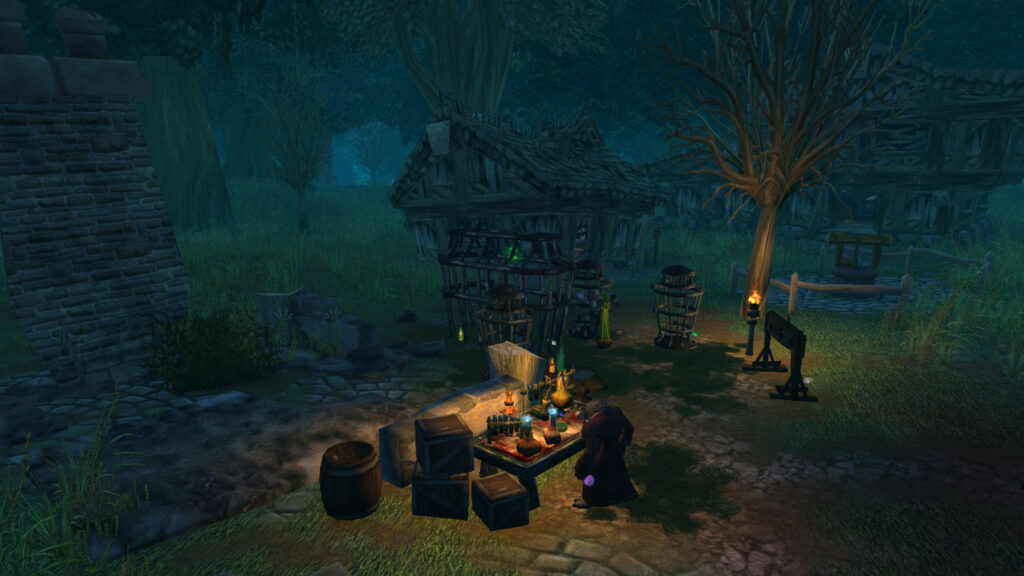
Finding the Right Font and Texture Packs
When searching for font and texture packs, it is crucial to choose ones that are compatible with WoW Classic to avoid any performance issues or crashes. Popular sources for these packs include websites such as CurseForge, WoWInterface, and Github repositories where developers share their creations. Look for packs that have received positive feedback from other players, as this can serve as an indicator of quality and compatibility. Additionally, keep an eye on community forums and social media groups dedicated to WoW Classic for recommendations and user experiences. Here are some popular font and texture packs:
- ClearFont2: A font pack designed to enhance readability.
- Classic WoW Textures: Restores original textures with a modern twist.
- Blizzard’s Default UI Rework: A customizable take on the classic UI.
- WoW Classic Clean UI: Minimizes clutter while maintaining essential info.
Installing Font and Texture Packs
The installation process for font and texture packs is straightforward, but it varies slightly depending on the pack source. Generally, you will need to download the pack files and extract them into your WoW Classic interface folder. The typical path for this is: [Your WoW Directory]/_classic_/Interface/AddOns. Once the files are in the correct folder, launch the game and ensure that the packs are enabled in the AddOns menu from the character selection screen. It’s advisable to restart the game after installation to ensure that all changes take effect properly.
Benefits of Customization
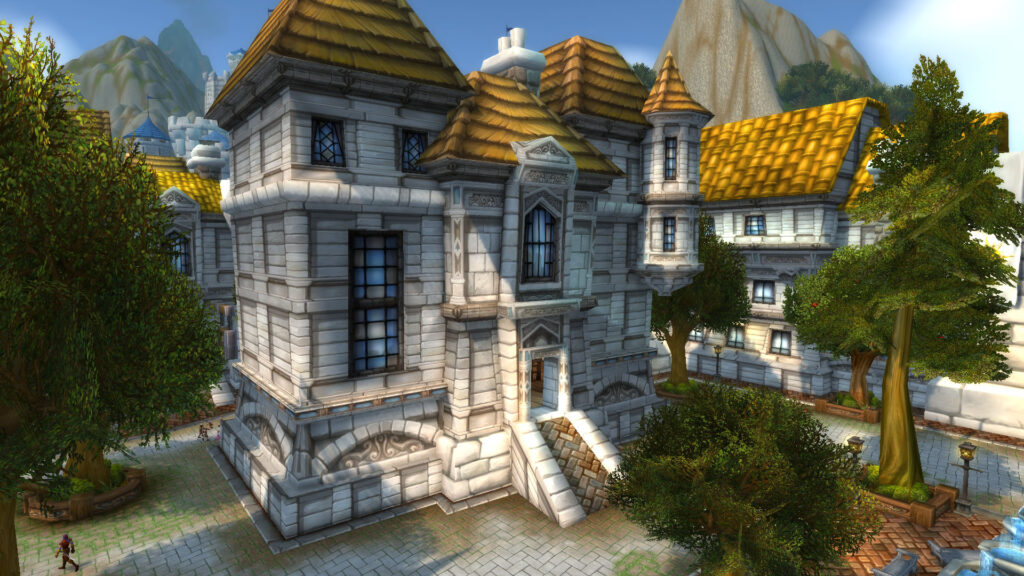
Personalizing your WoW Classic experience with font and texture packs offers numerous benefits. Enhanced readability, particularly for players who may struggle with the default size and style of the in-game text, can significantly improve gameplay. Additionally, customized textures can breathe new life into familiar environments, making exploration feel fresh and exciting again. This visual enhancement also aids in immersion, as players can tailor the aesthetics to reflect their personal style or the theme of their character. Furthermore, some texture packs can improve performance by optimizing the visual load on your system, which can be beneficial during intense raid encounters or large-scale PvP battles.
| Pack Name | Type | Compatibility | Rating |
|---|---|---|---|
| ClearFont2 | Font | WoW Classic | 4.8/5 |
| Classic WoW Textures | Texture | WoW Classic | 4.9/5 |
| Blizzard’s Default UI Rework | UI Modification | WoW Classic | 4.7/5 |
| WoW Classic Clean UI | UI Modification | WoW Classic | 4.6/5 |
Potential Issues and Troubleshooting
While customizing your WoW Classic experience can be rewarding, it’s essential to be aware of potential issues that may arise. Some packs may conflict with each other, leading to a loss of functionality or visual glitches, particularly during high-stakes encounters like raids or battlegrounds. Always ensure that your packs are updated to the latest version, as developers frequently release updates to fix bugs and improve compatibility. If you encounter performance issues, consider disabling other AddOns to isolate the problem. Additionally, using the /console reloadui command can refresh your UI and help in troubleshooting interface-related issues.
Conclusion
Customizing your World of Warcraft Classic experience through font and texture packs not only enhances the visual appeal of the game but also improves overall gameplay. By choosing the right packs, installing them correctly, and being mindful of potential issues, players can create a more enjoyable and personalized experience in Azeroth. As the community around WoW Classic continues to grow, sharing and discovering new customization options will remain an integral part of what makes the game so enduringly popular. Dive into the world of customization and make your journey through Classic a unique one.